Guides
Choosing an iPad for the Cockpit in 2026
August 28, 2026 · 8 min read · by Vincent Wu, Founder, Ascent EFB
Try Ascent EFB
Free for 30 days, then $59.99 your first year
One plan with everything in it: 3D terrain, geo-referenced FAA charts, the full weather stack and live traffic, all cached offline. $89.99 a year after the first. One trial per account, no card needed to look around.
Start a 30-day trialBy Vincent Wu, founder of Ascent EFB. Last updated August 28, 2026.
TL;DR: Buy the Wi-Fi plus Cellular model. Apple's own specs list GPS/GNSS only on cellular iPads, so a Wi-Fi model has no GPS receiver in it at all. Get an iPad mini unless you have a reason not to, and 256GB rather than 128GB. Heat will be your real in-flight failure: Apple rates these devices to 95 F ambient and a cockpit in July sits past that. A used or refurbished cellular mini beats a new Wi-Fi one. We sell an app, not hardware, so we have no reason to steer you to the expensive tablet.
Which iPad should I buy for flying?
Buy a Wi-Fi plus Cellular iPad, because Apple lists GPS/GNSS only on cellular models. An iPad mini fits most GA cockpits better than an 11-inch. Get 256GB for offline charts. Plan for heat, since Apple rates iPads to 95 F ambient. A used or refurbished cellular mini beats a new Wi-Fi one.
Why take a hardware guide from an app company
Plenty of iPad-for-pilots guides are published by retailers who also sell the hardware. That is worth knowing when you read one, and you should apply the same test here. We sell software. Ascent runs the same on a three year old mini as on a new Air, so we do not make a dollar more either way, and that is the only claim I will make about anyone's motives. Every hardware claim below comes from Apple's own published pages, read August 28, 2026.
Buy the cellular model, even if you never activate it
Wi-Fi-only iPads do not contain a GPS receiver. Per Apple's technical specifications for the iPad mini, iPad and iPad Air, read August 28, 2026, every model lists "Digital compass, Wi-Fi, iBeacon microlocation" under location. Only the Wi-Fi + Cellular models add "GPS/GNSS". There is no software fix. The chip is not there.
Pilots find this out the expensive way often enough that r/flying has a standing PSA about it, titled "The WiFi only iPad does not contain a GPS receiver" (342 upvotes, 165 comments): old.reddit.com/r/flying/comments/1ou1gd1.
You do not need a data plan. The GPS works with no SIM in it. You are paying the cellular premium for the receiver. If you already own a Wi-Fi iPad, an external GPS puck or an ADS-B receiver fixes it, and many pilots run one anyway for traffic.
One caveat. A commenter in that thread wrote that "at certain altitudes, usually around 5,000 feet MSL, the built-in GPS becomes unreliable". We have not tested that and are not repeating it as fact. But if you fly high and your position gets jumpy, an external source is the usual fix.
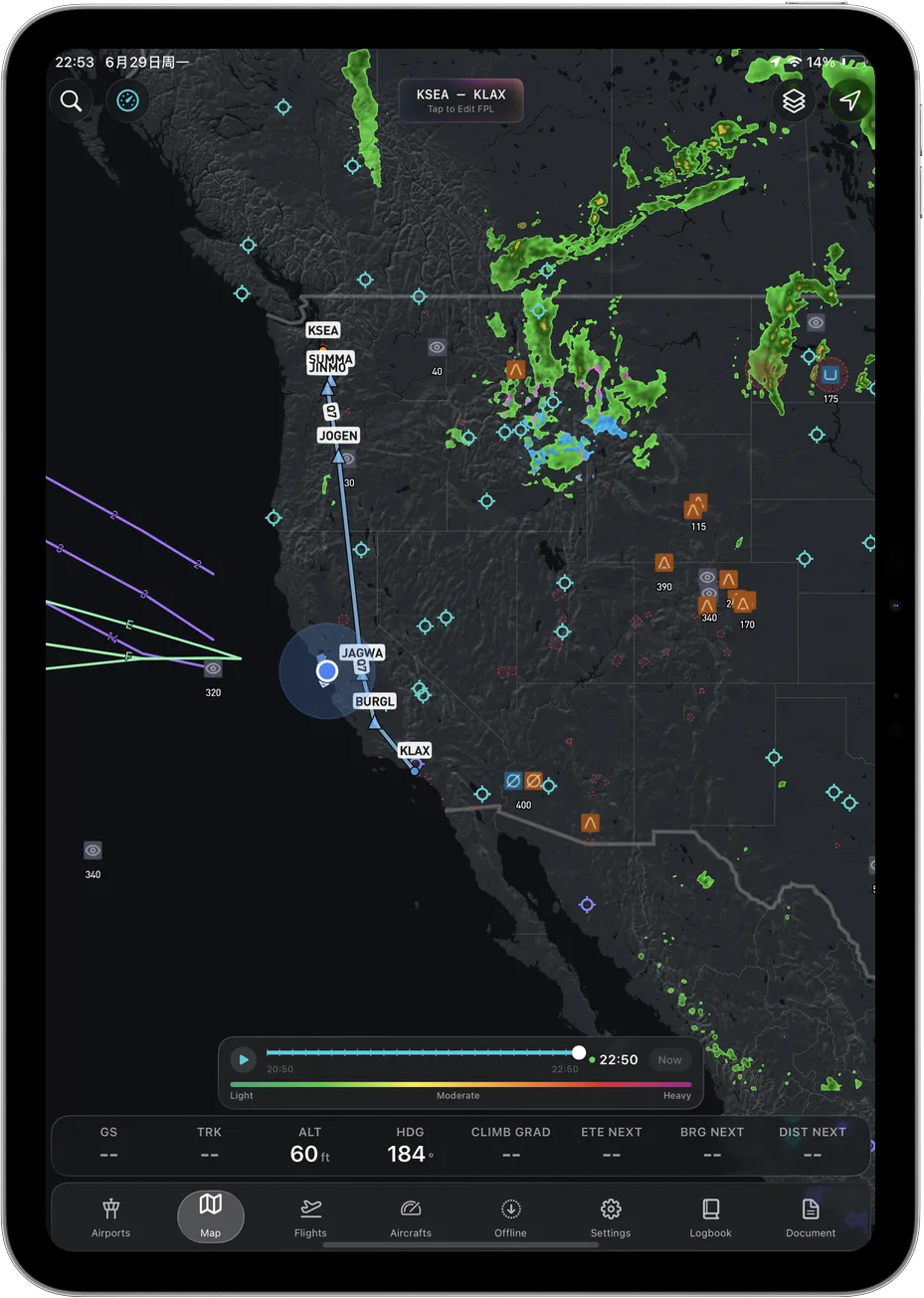
 A moving map only moves if the tablet knows where it is. You decide that at checkout, not in settings.
Size: the mini wins more often than the spec sheet suggests
Whether the 11-inch is too big depends on your airplane and where the tablet lives. From Apple's spec pages, read August 28, 2026:
| Model | Screen | Weight, cellular |
|---|---|---|
| iPad mini | 8.3 in | 297 g, 0.66 lb |
| iPad (A16) | 11 in | 481 g, 1.06 lb |
| iPad Air 11-inch | 11 in | 465 g, 1.03 lb |
| iPad Air 13-inch | 13 in | 617 g, 1.36 lb |
The mini is around 60 percent of the weight of an 11-inch and roughly half a 13-inch. On a kneeboard, over two hours, in chop, that is not subtle. In a 172 or a Cherokee the bigger slab also fouls yoke travel or blocks the lower panel. The case for the big screen is real too: more chart means less panning.
Our rule. If it lives on your leg, buy the mini. On a panel in something roomier, an 11-inch is fine. The 13-inch is a planning tablet.
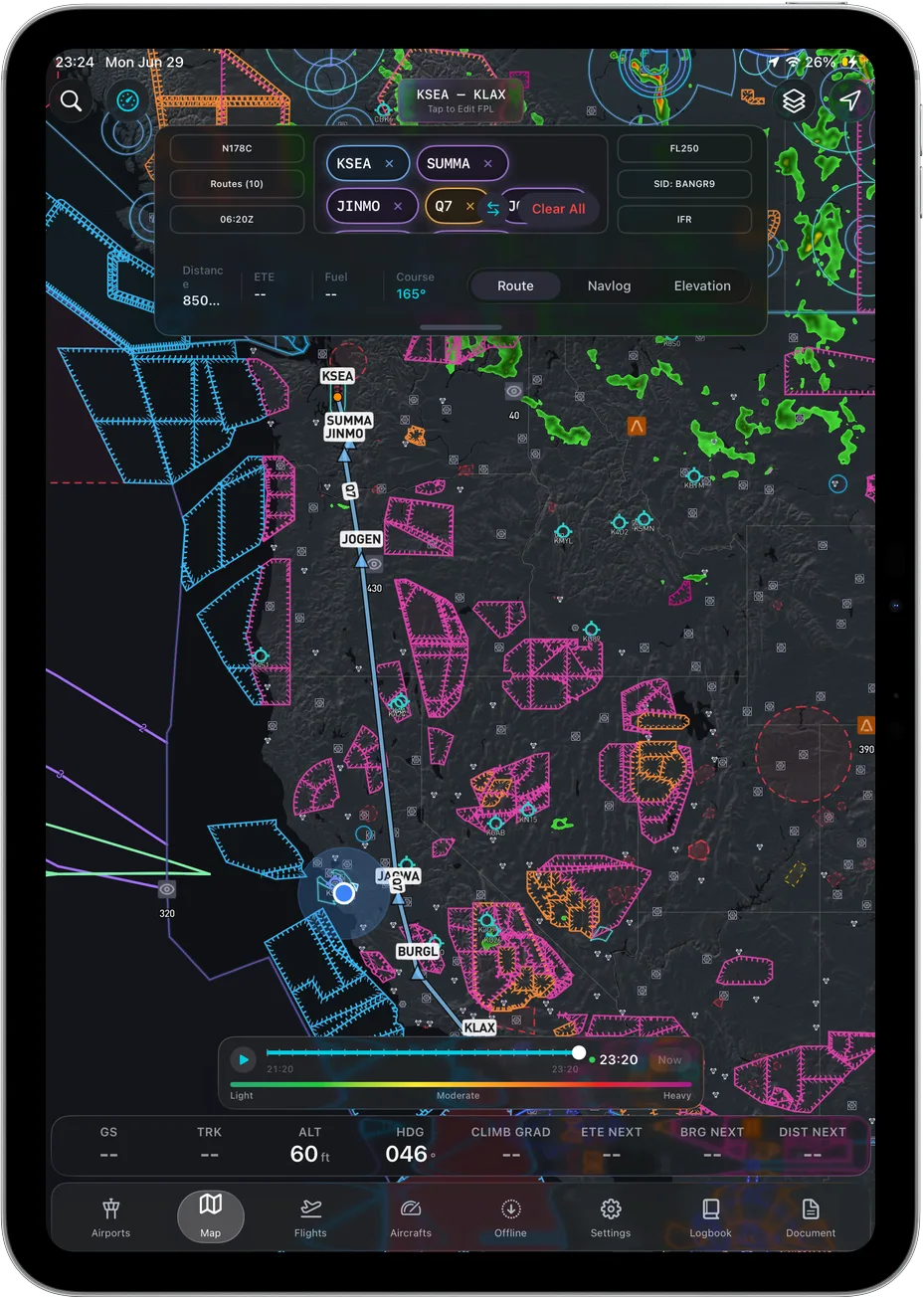
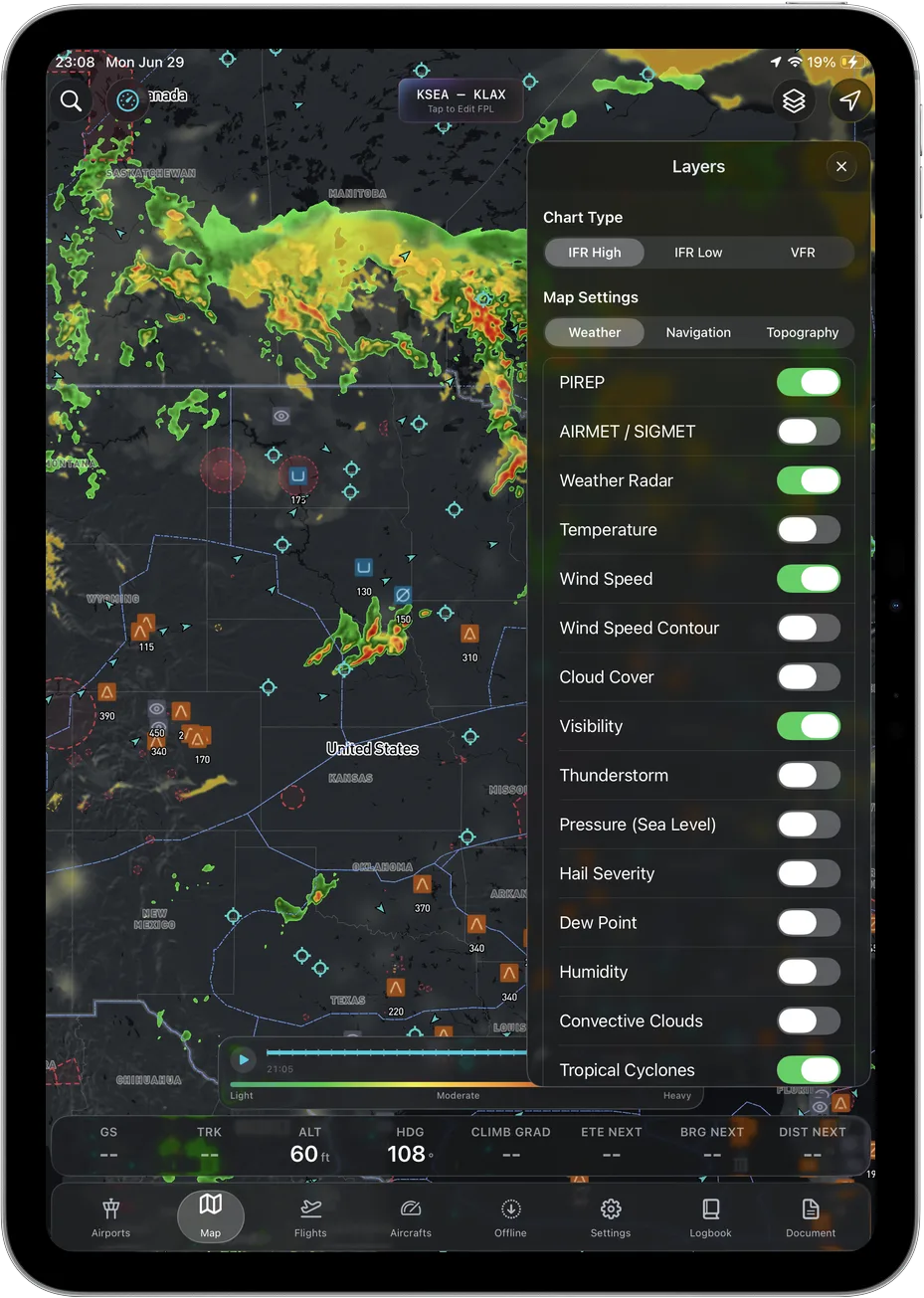 A bigger screen mostly buys you less panning. The app shows the same data either way.
Heat is the failure you will actually experience
Not the app crashing. Not the GPS. Heat.
Apple states that iPhone and iPad "are designed for use where the ambient temperature is between 0º and 35º C (32º to 95º F)", on its support page about devices getting too hot or too cold, read August 28, 2026. A cockpit in direct sun in July is past that before you start the engine.
The same page lists what happens past the internal limit: "Charging, including wireless charging, slows or stops", "The display dims or goes black", "Cellular signal might weaken as radios enter a low-power state". A black screen on downwind is a bad time to learn that. Apple also says "Using an iOS or iPadOS device in very hot conditions can permanently shorten battery life", so a hot cockpit costs you the flight now and the battery later.
What helps, roughly in order:
- Keep it out of direct sun. Sun on black glass does more than ambient air. Moving the mount into the glareshield's shadow beats any gadget, and never leave it soaking on the glareshield during preflight.
- Do not charge it while it is hot. Charge on the ground, fly on battery.
- Turn brightness down. Full brightness is a heat source.
- Have a plan for when it quits. A charged phone running the same app, a second tablet, or paper.
Pilots do get asked about this on check rides. Have an answer before somebody asks for one.
Battery ageing, and why used is a reasonable buy
Apple's battery page states an iPad battery is "designed to retain up to 80% of its original capacity at 1000 complete charge cycles", read August 28, 2026. Most weekend pilots will not come near 1000 cycles. Heat is what actually ages it, which is why the section above matters more.
Which makes used sensible. A cellular mini from two or three years ago runs any current EFB app fine, and the processor speed you give up does not show on a moving map. Apple's refurbished program says Certified Refurbished iOS devices "come with new battery and outer shell" and carry the "standard one-year limited warranty", read August 28, 2026. So you get a used device with a new battery and a warranty on it.
Buying order, cheapest first: used cellular mini, refurbished cellular mini, new cellular mini. A new Wi-Fi iPad is not on the list at any price.
Mounts, and what to do when your flight school bans them
Yoke mounts, suction mounts, kneeboards, thigh straps. Most are fine. What is worth knowing is why some schools say no.
FAA Advisory Circular 91-78A, "Use of Electronic Flight Bags", dated February 23, 2024, defines a portable EFB as one that is, among other things, "Not attached to an aircraft mounting device". An EFB on a mount falls in the installed category instead, and the AC says an installed EFB may "Be attached to a mounting device provided that such device is approved for installation into the aircraft". It also says "Attention must be given to the physical EFB. Some items to consider are placement issues such as stowage during takeoff or landing, and the operation of an unsecured EFB."
We are not your lawyer or your chief flight instructor, and on a rental their rule is the rule. But if you were told no mounts and nobody explained why, that AC is usually the reason upstream.
If mounts are out, use a kneeboard or a thigh strap. The mini is far easier to live with on both, which is an argument for the smaller tablet that never shows up in a spec sheet.
Storage: buy 256GB, not the base model
Offline charts are large, and 128GB gets tight once iPadOS and photos share the device.
How large depends on how the app caches, and apps differ here. We are not going to characterise anyone else's cache, so check the vendor's own documentation for whatever you run. For ours: Ascent caches by region, so you pull the areas you actually fly on wi-fi and the charts, 3D terrain and airport data stay on the device.
- 128GB works if the iPad is dedicated to flying.
- 256GB is what we would buy. Your regions plus normal iPad life.
- 512GB and up only if it is also your main computer.
Do not run it near full. Downloading a chart update on a ramp with 3GB free is a bad afternoon.
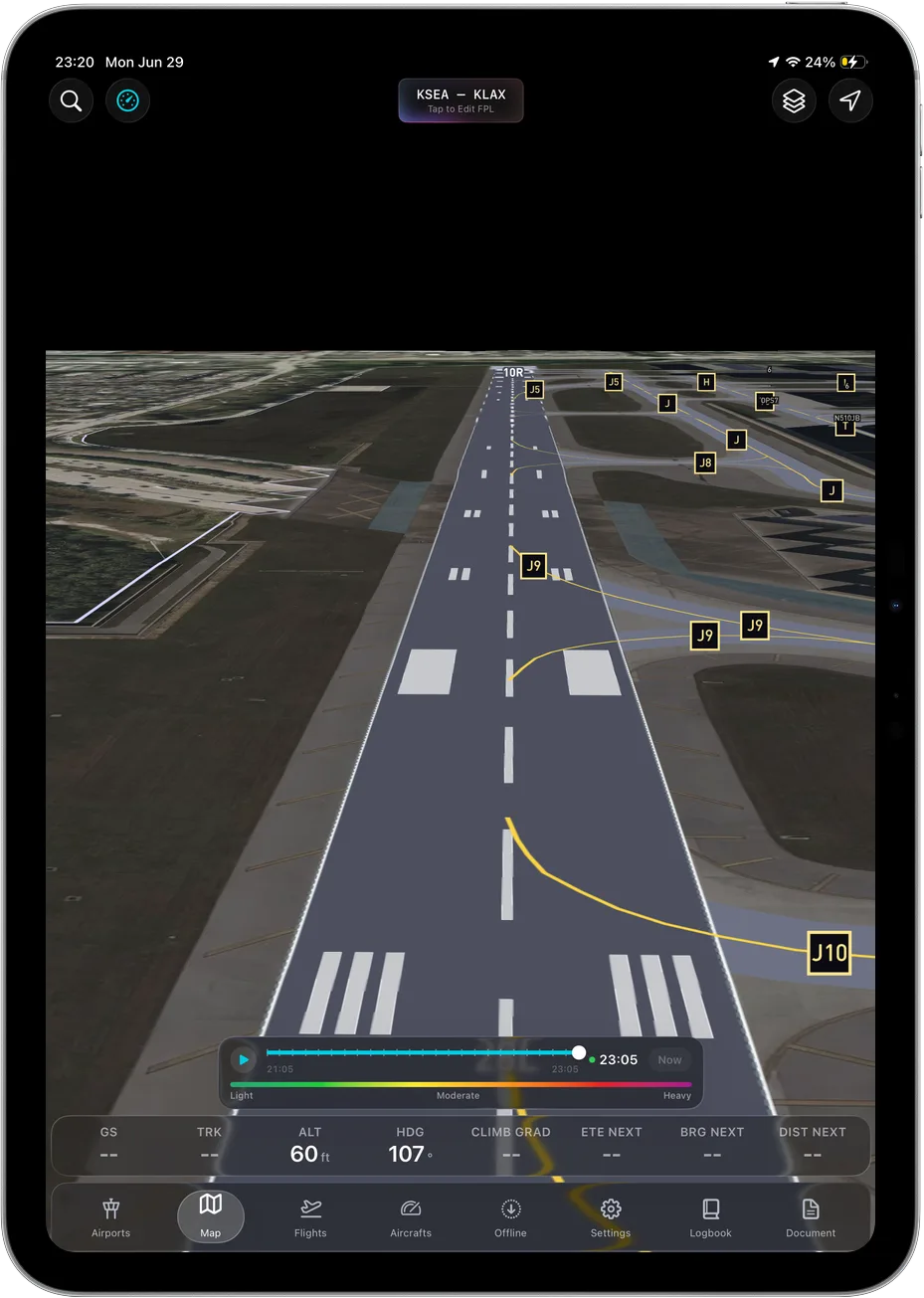 Terrain and charts cached to the device, so the app does not get quieter when the bars do.
What we would actually buy
A used or Apple refurbished cellular iPad mini with 256GB, a kneeboard, and a sunshade. Deliberately not the expensive one. If you fly something roomier, an 11-inch cellular Air with 256GB is the sensible step up.
Then spend what you saved on the software. We wrote up how much an EFB costs in 2026 and a walkthrough on how to choose an EFB, plus the plain description of what Ascent EFB is. After that, our guide to a weather briefing.
Frequently asked questions
Do I need the cellular iPad for flying?
Yes, if you want the internal GPS. Apple's published specs list GPS/GNSS only on Wi-Fi + Cellular models, read August 28, 2026. You do not need a data plan for it to work.
Can I buy a used iPad for an EFB?
Yes, as long as it is a cellular model. Apple states iPad batteries are designed to retain up to 80 percent of original capacity at 1000 charge cycles, and Certified Refurbished iOS devices ship with a new battery and a one-year limited warranty, both read August 28, 2026.
Why does my flight school not allow yoke mounts?
Ask them, because their reason governs. For background, FAA AC 91-78A dated February 23, 2024 treats an EFB attached to an aircraft mounting device differently from a portable one, and says an installed mounting device must be approved for installation into the aircraft. A kneeboard sidesteps the question.
Written by Vincent Wu, founder of Ascent EFB at Geospatios. Ascent EFB is our product, so treat our opinions about it as ours. iPad specifications, temperature guidance, battery cycle life and refurbished terms were read from Apple's own published pages on August 28, 2026. FAA guidance is quoted from AC 91-78A, dated February 23, 2024. Forum quotes are those pilots' words, attributed to their thread, not our claims. Hardware and policies change, so verify before you buy. Any EFB is a supplemental aid, and final authority rests with the pilot in command.
Try Ascent EFB
Free for 30 days, then $59.99 your first year
One plan with everything in it: 3D terrain, geo-referenced FAA charts, the full weather stack and live traffic, all cached offline. $89.99 a year after the first. One trial per account, no card needed to look around.
Start a 30-day trial