Guides
Backup EFB: What to Put on Your Second iPad
August 28, 2026 · 9 min read · by Vincent Wu, Founder, Ascent EFB
Try Ascent EFB
Free for 30 days, then $59.99 your first year
One plan with everything in it: 3D terrain, geo-referenced FAA charts, the full weather stack and live traffic, all cached offline. $89.99 a year after the first. One trial per account, no card needed to look around.
Start a 30-day trialBy Vincent Wu, founder of Ascent EFB. Last updated August 28, 2026.
TL;DR: A backup EFB is a second tablet with a second app on it that still shows charts and your position when the primary dies. The failures that actually happen are boring: the iPad overheats on the glareshield, the battery is at 8 percent an hour in, or an iOS update lands the night before. A backup counts only if it works sealed in airplane mode, installs small enough for an old spare, and opens fast from cold. Ascent EFB is a reasonable answer, one plan with everything cached offline. Ascent does not draw your own ship on IFR approach charts, so read the IFR section before you make this your instrument backup.
What is a backup EFB and do I need one?
A backup EFB is a second device running a second charting app, kept charged in your flight bag, so a dead or overheated primary tablet does not take your charts with it. Part 91 does not require one. The FAA's own EFB advisory circular tells you to assess system failures, then leaves the answer to you.
The four ways your tablet actually quits
Nobody plans around the failure that actually gets them. It is almost never a dropped iPad.
Heat. An iPad on a glareshield in July, direct sun, full brightness, GPS running. iOS throttles, dims, then shows the temperature warning and stops. It happens on the long sunny leg, which is the leg you needed it on.
Battery. A tablet 400 charge cycles in does not hold what it held. Add cold, add brightness, add a Bluetooth GPS or ADS-B receiver, and a four hour cross country is optimistic.
Software. iOS point releases land on Apple's schedule. Usually nothing happens. Occasionally an app needs a same week update to get along with the new version, and one app on one device means your whole flight bag rides on one release cycle.
A DPE deciding it is time. In iPad Pilot News, June 22 2023, Bret Koebbe wrote up advice from three FAA examiners on tablet use during a check ride: pre flight the device, have a backup plan in place, fly the airplane. Going for the instrument rating, assume you will be asked.
What a backup EFB actually has to do
The requirements are narrower than for a primary app, which is the useful part. A backup does not need flight planning or a logbook.
| Requirement | Why it matters on a backup | What to check first |
|---|---|---|
| Full offline operation | It comes out when things are already going badly. Assume no cell signal | Cache a region, airplane mode on the ground, confirm charts and airport data still draw |
| Small install and small data | The spare is usually an older 64 GB iPad with photos still on it | The listing size, then how much chart data it pulls for your region |
| Fast cold start | You are opening it in flight, one handed, after the primary quit | Force quit, then time tap to usable moving map |
| Runs on the old device | Spares get stuck on old iOS when Apple stops updating them | The "Requires iOS" line on the App Store listing |
That last row surprises people. Apple's App Store listings publish a minimum iOS version and a download size for every app.
| App | Minimum iOS listed | App download size |
|---|---|---|
| Ascent EFB | iOS 17.6 | 112 MB |
| FltPlan Go for iPhone | iOS 12.0 | 189 MB |
| ForeFlight Mobile EFB | iOS 18.0 | 592 MB |
| Garmin Pilot | iOS 18.0 | 664 MB |
All four read from each app's own App Store listing on August 28 2026, and they change with every release. Two honest notes. That is the app download only, and chart and terrain data downloads separately on all of them and dwarfs it. And a bigger app is usually bigger for a reason, so read this as a fit question, not a quality ranking.
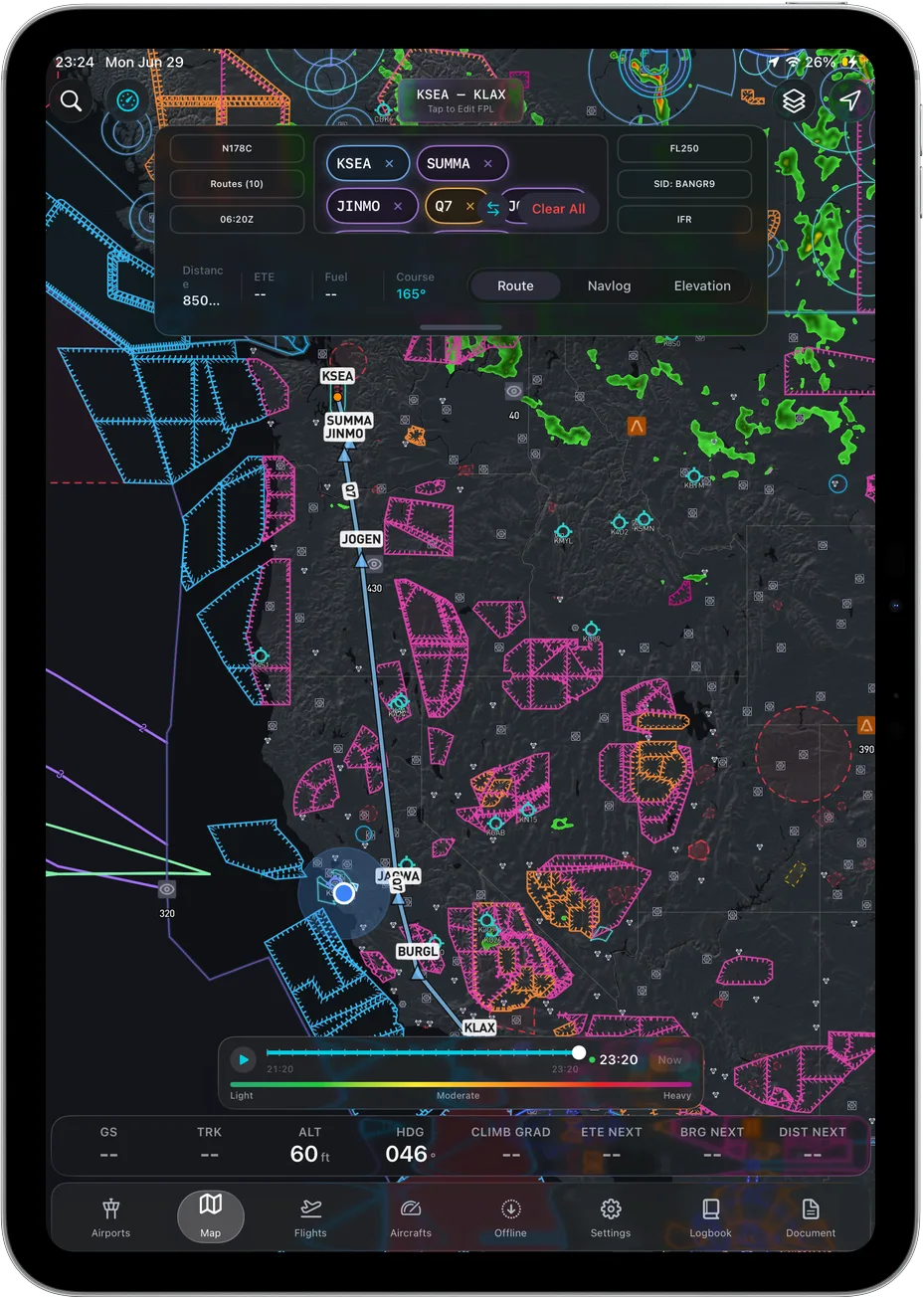 The backup only counts if this still draws in airplane mode.
The mistake: two copies of the same app
The obvious backup is your existing subscription on a second iPad. Many EFB subscriptions cover more than one device, so check your vendor's terms. If yours does, this costs nothing and takes ten minutes. Do it.
Just be clear what it protects you from. Two installs of the same app on the same operating system, pulling the same data, share every failure that is not physical. What the second device genuinely covers is heat, battery and drops, which is most of the real world. A different app from a different vendor covers the software column too. Whether that is worth a second subscription is a fair question, and the answer is not automatically yes.
The money question
Nobody wants a second subscription right now. On the Pilots of America thread "Foreflight price increase" one pilot wrote, "I downgraded to their Basic offering at $130, just couldn't justify the new cost." Those are their words, from that thread, not our characterisation of anyone's pricing.
For reference on the primary, ForeFlight publishes Starter at $130, Essential at $260 and Premium at $390 a year, read from foreflight.com/pricing on August 28 2026. If your backup budget is zero, FltPlan Go is free and that is a legitimate answer. Whole range in how much an EFB costs in 2026.
The GPS problem people find out about in the air
Check what the spare actually is first. On r/flying, a PSA thread with 342 upvotes and 165 comments opens with the line, "The WiFi only iPad does not contain a GPS receiver." That matches Apple. On apple.com/ipad-11/specs, read August 28 2026, the Location section lists digital compass, Wi-Fi and iBeacon microlocation for all models, then separately lists "Wi-Fi + Cellular models: GPS/GNSS, Cellular."
So a Wi-Fi only spare draws your charts perfectly and never moves your airplane on them. A commenter in that thread adds that "at certain altitudes, usually around 5,000 feet MSL, the built-in GPS becomes unreliable." That is one pilot's report and we have not tested it, so take it as a reason to carry an external receiver, not as a fact. The fix either way is a cellular iPad, a Bluetooth GPS puck, or an ADS-B receiver with WAAS GPS built in. More in does a Wi-Fi iPad have GPS.
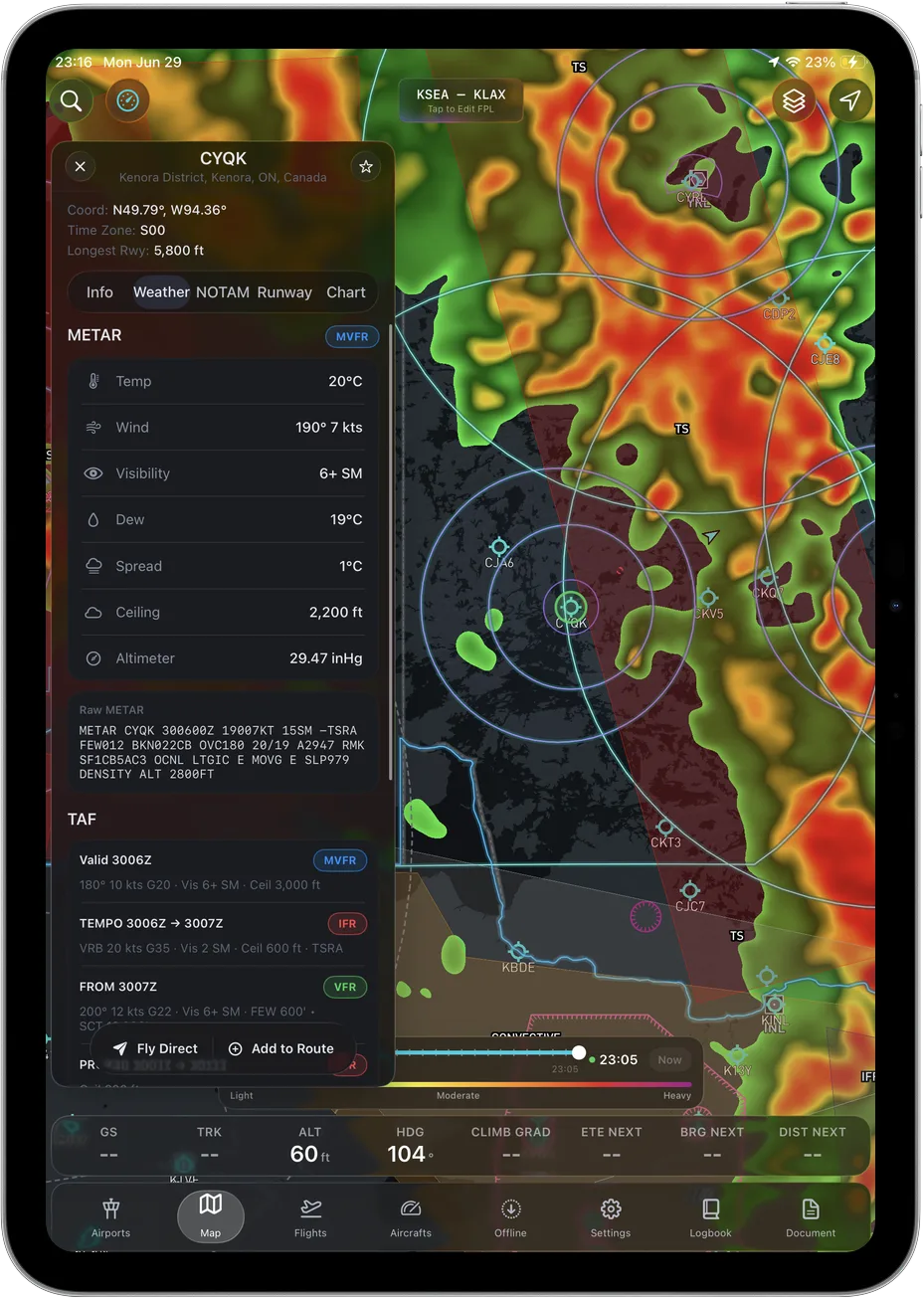 The last weather you pulled stays on the device.
Where Ascent works as a backup, and where it does not
We build Ascent EFB, so treat this as vendor copy and check it yourself.
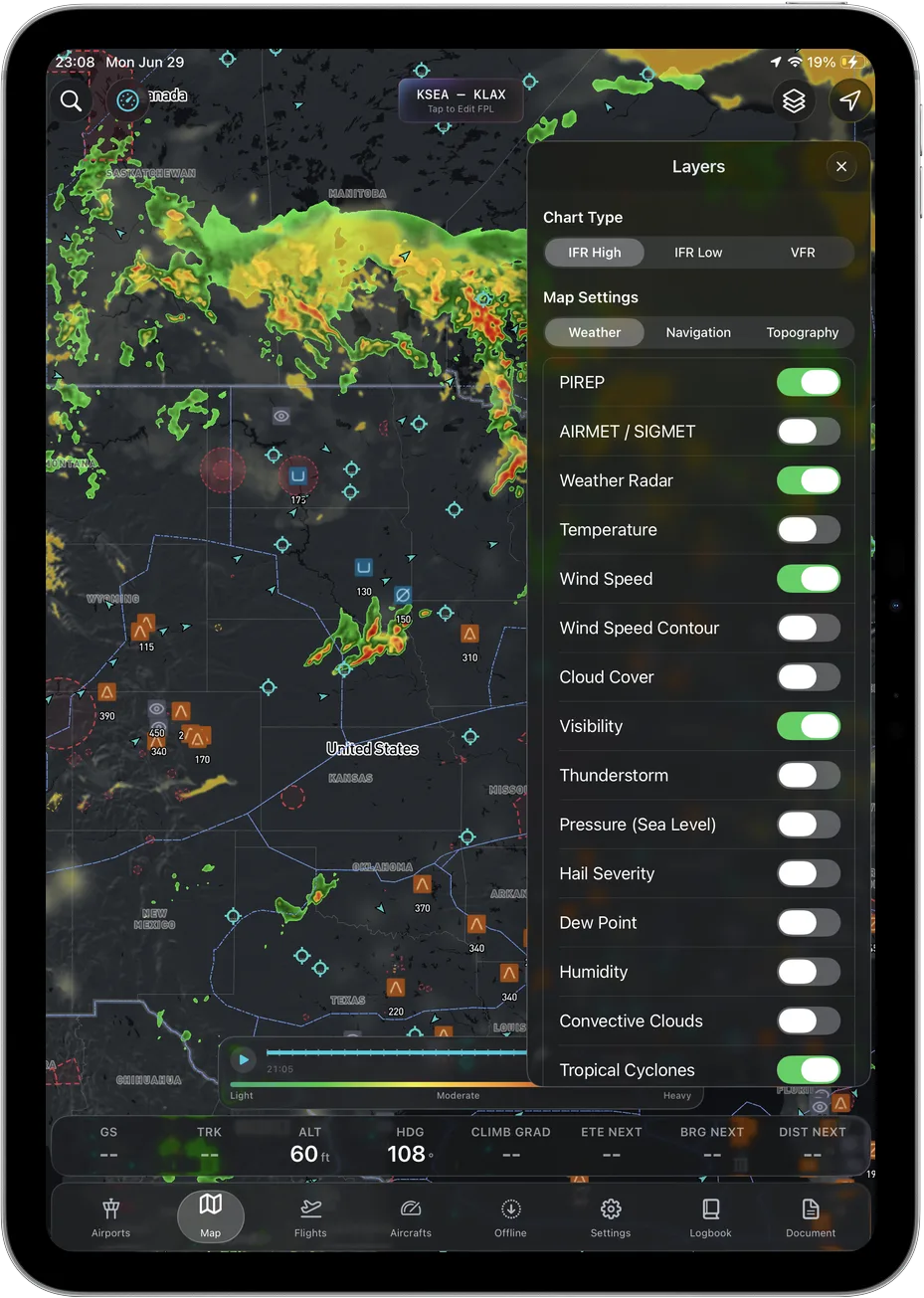
What makes it a candidate for a second device is that offline is not partial. Cache the regions you fly on wifi, go into airplane mode, and the geo referenced FAA VFR Sectionals and Terminal Area Charts, the IFR Enroute Low, High and Area charts, the 3D terrain, the airport information and taxi diagrams and the last weather you pulled all still work. One plan at $59.99 the first year and $89.99 after, so nothing a backup needs sits behind a tier.
Now the part that decides it for instrument pilots. Ascent does not have geo referenced approach plates. Enroute IFR charts yes. Own ship drawn on the plate, no. ForeFlight's own pricing page, read August 28 2026, lists Geo Referenced Approaches and Charts and Plates on Maps in its Essential and Premium tiers. If your backup includes shooting an approach off the tablet in actual IMC, we do not meet that. Plan around a different second app, or the panel, or paper.
For a VFR backup, or an IFR backup where enroute structure, weather and airport data are what you need and the approach comes off the panel, we hold up.
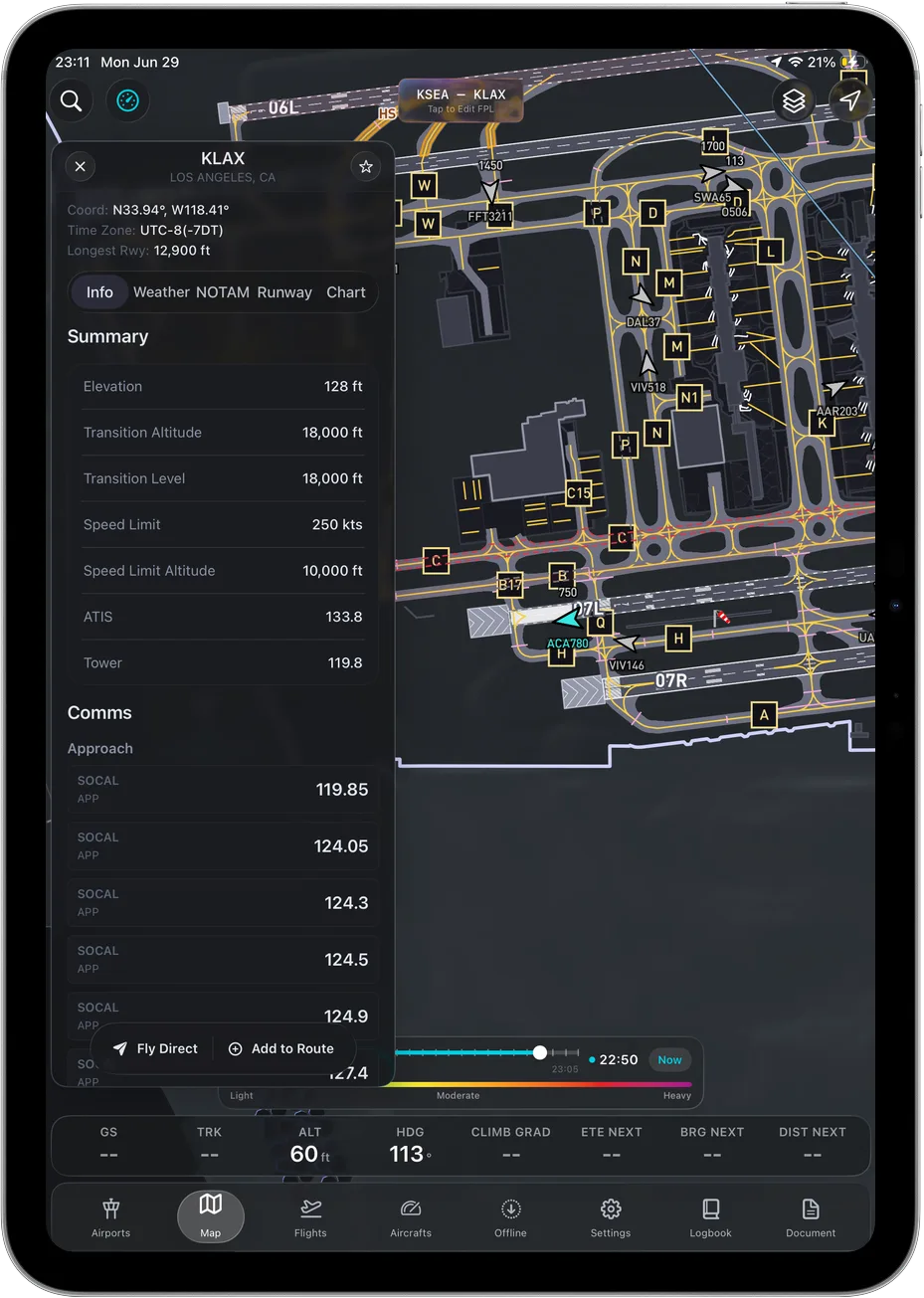 Taxi diagrams cache with the charts, which is what you want at an unfamiliar field at night.
How to actually set it up
Ten minutes on the ground, once.
- Pick the device. Any iPad or iPhone you own. Confirm it takes the iOS version the app lists. Wi-Fi only means you need an external GPS.
- Free up space. Offload photos. Chart and terrain data is the part that grows.
- Install and sign in on the ground, on wifi. Do not discover a login problem in the air.
- Download the regions you fly, then a ring wider. The point is the flight that ends somewhere you did not plan.
- Airplane mode test on the couch. Cellular and wifi off, open the app cold, find a sectional, an enroute chart, an airport diagram and a METAR. Anything missing, you learned it for free.
- Charge it and bag it. Full charge, auto lock long, cable with it.
- Redo the airplane mode test monthly and after any iOS update. Charts run on a 28 day cycle, and a stale cache is not a backup.
What the FAA actually says
Less than people assume. AC 91-78A, Use of Electronic Flight Bags, dated February 23 2024, is the Part 91 guidance. It states plainly that it "is not mandatory and does not constitute a regulation." Paragraph 11.1 tells the operator to assess the human machine interface and CRM aspects of EFB use, and lists "system shutdown, and system failures" among the considerations. It does not tell you to carry a second tablet.
So this is a personal minimums call, not a compliance one. For a structured way to think it through, our guide to choosing an EFB walks the same trade offs for the primary.
Frequently asked questions
Do I legally need a backup EFB?
Not under Part 91. AC 91-78A, dated February 23 2024, is guidance, states it is not mandatory, and does not require a second device. It does ask operators to consider system failures.
What is the cheapest backup EFB?
Free, if you use FltPlan Go, which is listed at no cost on its App Store page, checked August 28 2026. That is a real answer. If you want 3D terrain, IFR enroute charts and full offline caching on the backup too, that is what Ascent EFB puts in its one plan.
Is Ascent EFB good enough as an IFR backup?
For enroute, weather and airport information, yes. For approaches, no. We do not have geo referenced approach plates, and ForeFlight's pricing page as of August 28 2026 puts that capability in Essential and above. If your backup has to fly the approach, plan around that.
Written by Vincent Wu, founder of Ascent EFB at Geospatios. Ascent EFB is our product, so treat our opinions about it as ours. Sources, all read August 28 2026: ForeFlight plan names, prices and tier contents from foreflight.com/pricing; minimum iOS versions and download sizes from each app's App Store listing; iPad location hardware from apple.com/ipad-11/specs. FAA AC 91-78A is dated February 23 2024. Community quotes belong to the pilots who wrote them in the linked threads and are quoted, not endorsed. Any EFB is a supplemental aid to situational awareness, and final authority rests with the pilot in command.
Try Ascent EFB
Free for 30 days, then $59.99 your first year
One plan with everything in it: 3D terrain, geo-referenced FAA charts, the full weather stack and live traffic, all cached offline. $89.99 a year after the first. One trial per account, no card needed to look around.
Start a 30-day trial